Your first photo is not carrying the profile
If the lead image is dark, distant, stiff, filtered, or unclear at phone size, most people never get far enough to judge the rest. On Hinge, that means the prompts and later photos never get a fair shot.
If Hinge feels dead, the problem usually is not one mysterious algorithm penalty. It is usually one of five bottlenecks: weak first photos, low-trust photo mix, generic prompts, narrow filters, or low-effort likes.
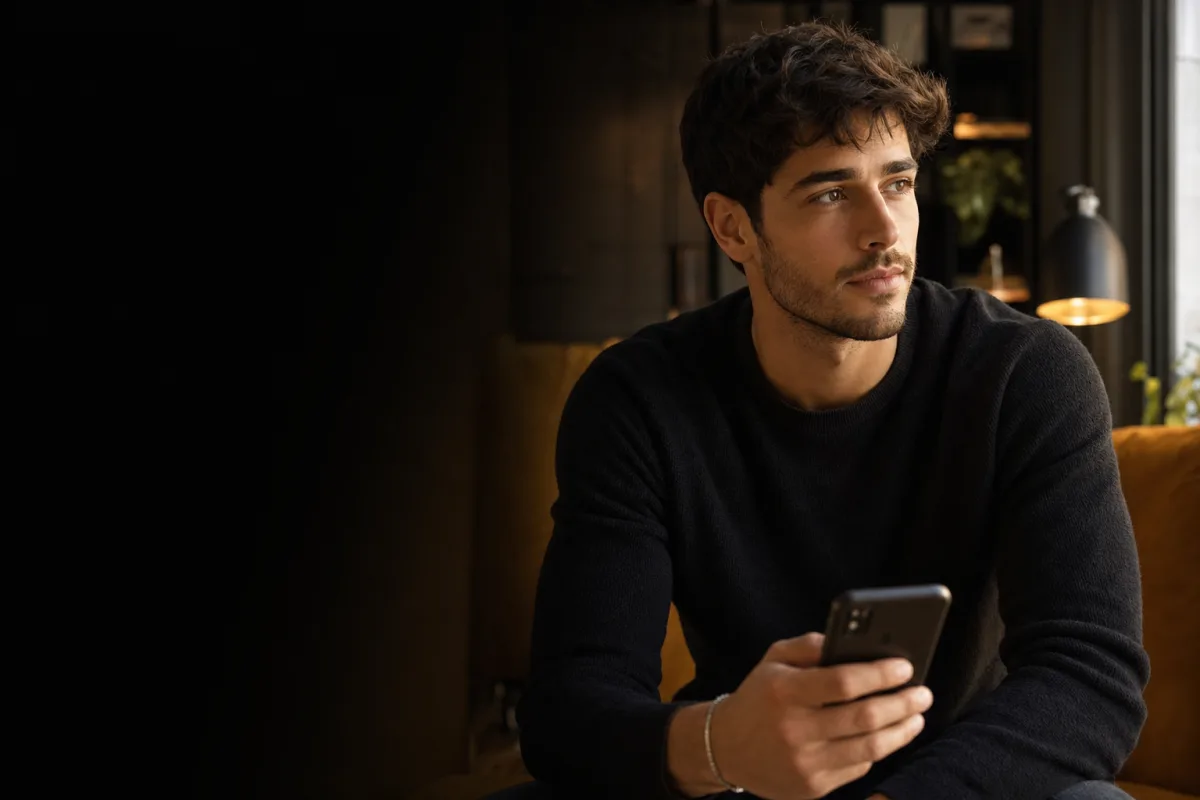
Hinge's own help documentation (checked August 4, 2026) points people toward updating photos, prompts, likes, and preferences when matches are weak. This guide follows that order and gives you a diagnosis you can use tonight. If you want the supporting pages behind that diagnosis, start with Hinge profile photos, Hinge profile review, and the photo analyzer.
If you are not getting matches on Hinge, fix the first photo first, then check whether the rest of the profile builds trust and gives people anything specific to react to. Only after that should you widen preferences or change how you send likes.
Do not rewrite every prompt, replace every photo, buy a boost, and change all your filters on the same night. You will have no idea what actually fixed the problem.
If the lead image is dark, distant, stiff, filtered, or unclear at phone size, most people never get far enough to judge the rest. On Hinge, that means the prompts and later photos never get a fair shot.
Six polished photos can still fail if they all do the same job. Hinge works better when the lineup covers identity, full-body context, lifestyle, style, and one obvious conversation hook.
If every answer sounds like "I love to travel" or "looking for someone chill," there is nothing specific to match with. The profile needs detail that a compatible person can react to without forcing small talk.
Current Hinge help still recommends widening preferences when matches are thin. In smaller cities especially, tight distance, age, or other filters can shrink the pool faster than most people realize.
Hinge states that adding a comment to a like makes a response more likely. If you send fast, generic likes to everyone, the app learns less and the people receiving them have less reason to reply.
The lead photo controls whether someone slows down long enough to see the rest of the profile. If it is a mirror selfie, a group shot, a low-light bar photo, or something that no longer looks like your current face, it drags down everything after it.
Hinge's own no-matches help article still calls out better photos first, and the current page highlights candid photos, smiles, interests, and clearer social proof over filtered or overly posed images. If your first image is weak, start with Hinge profile photos and dating photo order before changing anything else.
A lot of Hinge profiles are not bad. They are just interchangeable. Three average selfies and prompts about tacos, travel, and sarcasm create no real reason to choose you over anyone else with similar photos.
Hinge is stronger when each profile block reveals one concrete thing: a current look, a hobby, a place you actually go, or a prompt answer that sounds like a real person instead of a template. If your profile reads flat, use Hinge profile review and how to get more matches to rebuild the story in the right order.
Hinge does not work like a pure swipe machine. Current Hinge help says adding a comment to a like makes a response more likely, and the app explicitly recommends quality likes over quantity when match quality is poor.
That means sending twenty blank likes is not automatically better than sending five specific ones. If the profile is already decent, pair a stronger comment habit with the timing windows in best time to send likes on Hinge. Timing is a multiplier, not a rescue plan.
Sometimes the profile is not the whole problem. Hinge currently tells users with low matches to widen preferences, because tighter filters reduce both who you see and who sees you. This matters a lot more in smaller cities or if you stack several hard dealbreakers together.
The right test is controlled: loosen one variable at a time and keep the profile stable. If the profile starts moving after you widen one setting, that is a pool-size issue, not a photography issue.
If the profile is getting shown but nobody is matching, the problem is usually conversion: photos, prompts, trust, or the quality of the likes you send. If the profile barely seems to move at all, it can be a reach issue tied to preferences, inactivity, or profile completeness.
That distinction matters because the fix is different. Conversion problems need a stronger profile. Reach problems need a cleaner account setup, a broader pool, or more thoughtful activity. If you want the background on how those signals interact, read dating app algorithms.
| Step | What to change | Why first |
|---|---|---|
| 1 | Replace the lead photo | It has the biggest effect on attention and trust. |
| 2 | Tighten the full lineup | You need different photo roles, not six versions of the same look. |
| 3 | Rewrite prompts | Specific prompts create easier matches and better comments. |
| 4 | Improve like quality | Thoughtful likes teach the app more and give people more reason to respond. |
| 5 | Test one preference change | This helps separate market-size issues from profile issues. |
Charmd helps you diagnose weak dating photos, build stronger replacements, and tighten the profile signals that actually affect matches.
These are the supporting pages that matter most if your Hinge profile is not converting.
Fix the photo roles that make Hinge easier to comment on.
Audit the prompts and photos together instead of guessing.
Re-sequence the lineup after you swap the lead image.
Use better timing only after the profile is strong enough to convert.
See the broader match-rate playbook across apps.
Understand what activity and profile signals actually do.
Check whether clarity, trust, or variety is the real bottleneck.
The most common causes are a weak first photo, low-trust photo mix, generic prompts, narrow preferences, or sending low-effort likes. Start by fixing the first visible parts of the profile before blaming the app.
Not automatically, but Hinge does say its system learns from your activity and profile quality. If your profile is incomplete, inactive, or not earning engagement, you can end up with weaker results.
Usually no. Hinge explicitly recommends quality likes over quantity. A smaller number of specific likes with comments is usually a better test than blasting through the queue.
Often yes, especially when the lead photo is the bottleneck. Better photos improve clarity, trust, and the chances that someone stops long enough to read the rest of the profile.
Keep the profile stable long enough to gather a real signal in your local market, and change one major variable at a time. Replacing the lead photo first is usually the cleanest test.
Choose photos that invite comments
Build a prompt-friendly lineup
Match each photo to a profile job
Make responses specific and easy
Test timing without guessing
Improve photos and prompts together