Hinge Profile Photos: The Complete Guide to Getting Matches
Hinge is built differently from Tinder. Users like specific photos and prompts, not entire profiles. That changes everything about how your photos should work.
Written by Jonathan · Published · Updated
How we review dating advice
How Hinge Profiles Work Differently
On Hinge, someone can like a specific photo or prompt instead of reacting only to the profile as a bundle. Treat each item as a useful part of the story: it should clarify who you are, reveal something concrete, or make a natural comment easy.
Hinge does not publish enough ranking detail to justify claims that one skipped photo will throttle an entire profile. The practical rule is simpler: remove any image that introduces confusion or contradicts your current appearance. For the parts the platforms do disclose, read our guide to dating app algorithms.
Hinge also allows you to pair photos with prompts. This creates a storytelling opportunity that does not exist on other platforms. A photo of you at a farmers market paired with a prompt like "The way to my heart is... a perfectly ripe avocado and terrible puns" works as a combined unit — the photo provides visual context and the prompt provides personality. Thinking of your photos and prompts as integrated pairs rather than separate elements is the single biggest strategic advantage you can leverage on Hinge.
Lead With a Story-Telling Photo
Start with a recent solo image where your face and expression are immediately clear. Save the more complex activity and travel scenes for later slots, where they can add context without making identification harder. For a complete lineup, see our guide to dating photo order.
Use the lead photo for clarity; use later photos to create conversation hooks.
Pair Every Photo With a Complementary Prompt
Use prompts to add information the photos cannot show. A hiking photo does not need a second hiking reference; pair it with a specific opinion, weekly ritual, or date idea instead. Hinge's official guidance confirms that people can like a specific photo or prompt, and that adding a comment to a Like can make a response more likely.
Show Your Face Clearly in at Least 3 Photos
Clarity still matters in activity and lifestyle photos. Avoid a lineup where you are a tiny figure, hidden by sunglasses, or difficult to distinguish in a group. A mix of close, medium, and full-body framing can show range while keeping your current appearance easy to understand.
Check every photo at phone size: your face should still be easy to identify.
Use Photos That Spark Specific Comments
The best Hinge photos contain one specific detail a match can reference: a dish you made, an identifiable trail, a neighborhood spot, or an activity you actually do. The test is simple: can someone write a natural one-line comment about the image without inventing context?
Use real details from your life, not borrowed pets or staged hobbies.
Avoid Group Photos Entirely
A group photo can show social context, but it should never force someone to guess which person owns the profile. Keep it out of the lead slot, choose an image where you remain visually dominant, and use no more than one if the rest of the lineup already shows you clearly.
One clear social photo is enough; identity should never be ambiguous.
Quality Over Quantity — 4 Great Beats 6 Mediocre
Hinge currently requires between four and six photos depending on local requirements, plus three prompt answers. Fill the required slots with distinct jobs: identity, full-body context, lifestyle, personal style, social context, and a conversation hook. Do not use several near-duplicate selfies just to complete the profile.
Photos Optimized for Hinge's Format
Clear, current images with useful context and details that a match can reference naturally.
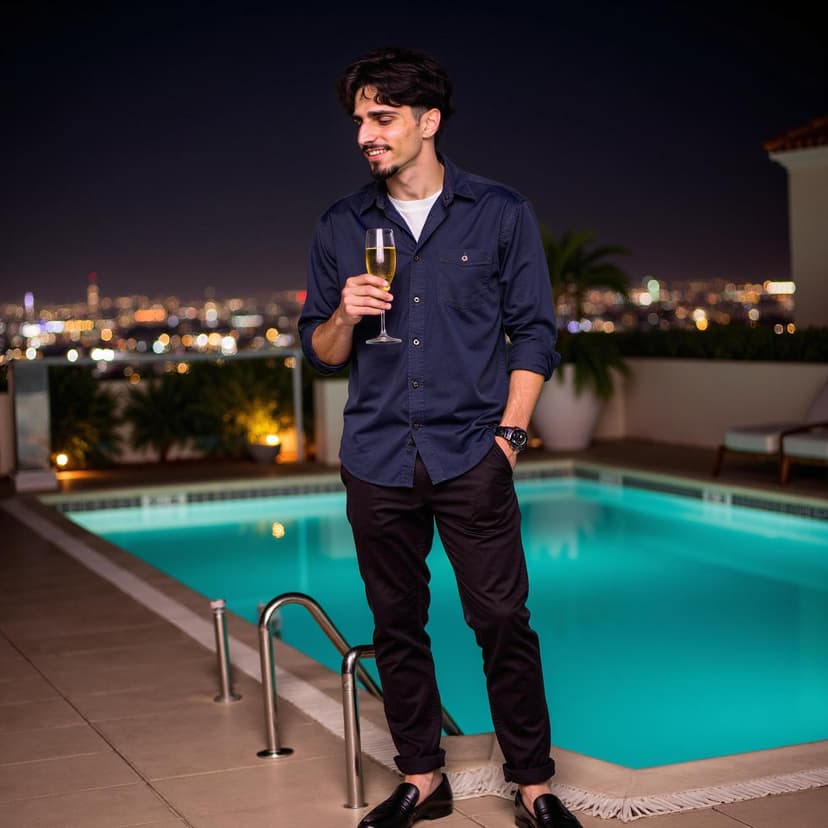
Lifestyle shot: relaxed, comment-worthy setting
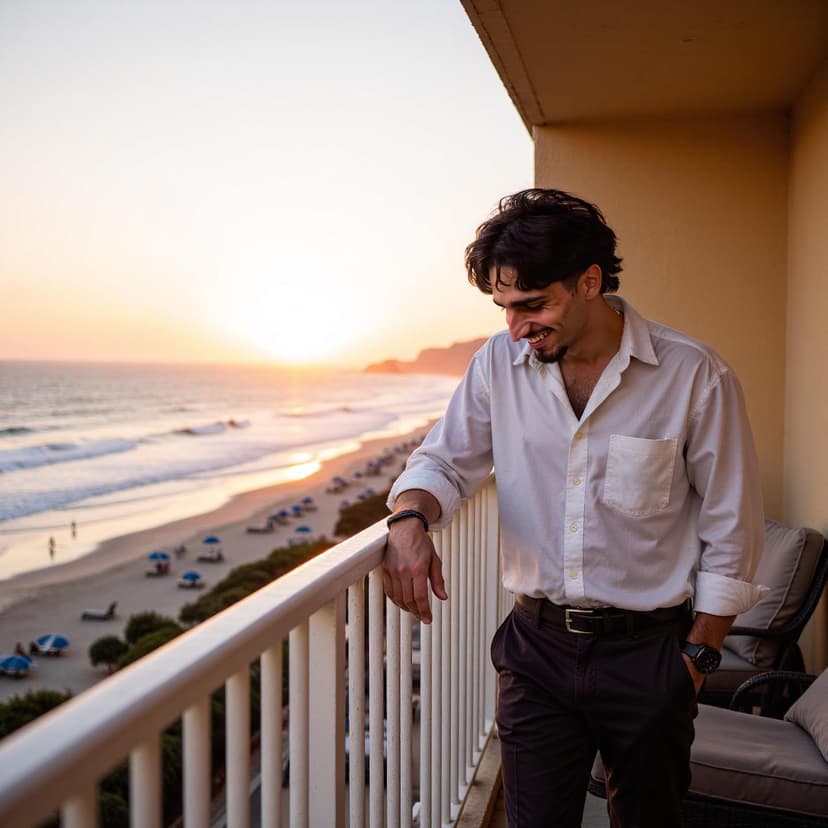
Candid moment: genuine expression, story to tell

Clear face, interesting backdrop, conversation starter
Common Hinge Photo Mistakes to Avoid
Using the same photos as your Tinder profile
Many people in the same city use both apps. If your photos are identical across platforms, it signals low effort and can create an "already seen" fatigue. At minimum, use different crops or different lead photos. Our dating photo dos and don'ts guide covers more mistakes to avoid across all platforms.
Using all six slots for photos with zero prompts
Six consecutive photos with no text gives people nothing to comment on beyond your appearance. The best Hinge profiles alternate between visual and text content.
Low-resolution or screenshot photos
Hinge displays photos in a large vertical format. Pixelated, compressed, or screenshot photos are immediately obvious and signal that you do not take the platform seriously.
Build a Hinge Profile That Gets Likes With Comments
Charmd generates story-telling photos with varied settings and natural expressions — the exact photo style that earns comments on Hinge, not just silent likes.
Related Reading
Tinder Photo Tips
10 rules specifically optimized for Tinder's swipe format.
Bumble Profile Tips
Photos and bio tips for the app where she messages first.
AI Photos vs Professional Photographer
Cost, quality, and convenience compared side by side.
Best Photos for Dating Apps
Universal photo rules that work across every platform.
Frequently Asked Questions About Hinge Photos
How many photos does Hinge allow?
Hinge currently requires between four and six photos, depending on local requirements, plus three prompt answers. Use the available photos to show identity, current appearance, lifestyle context, and an easy conversation hook.
What photos get the most likes on Hinge?
Use a clear lead portrait, then add current photos that show activity, personal style, and recognizable details. Because people can like a specific photo or prompt, each item should reveal something useful and make a natural comment possible.
Should I use prompts with photos on Hinge?
Yes. Use prompts to add information that the photos cannot show, such as a favorite routine, a specific opinion, or a realistic date idea. Avoid repeating the same hobby or travel detail in both formats.
Does Hinge show your first photo more?
Your first photo establishes identity before someone reviews the rest of the profile. Choose a recent solo image with a clearly visible face, natural expression, and a crop that remains legible on a phone.