How to Take Good Selfies for Dating Apps: A Man's Guide
Most guys take terrible selfies. Not because they are unphotogenic, but because nobody taught them the fundamentals. Here is everything you need to know about lighting, angles, and technique.
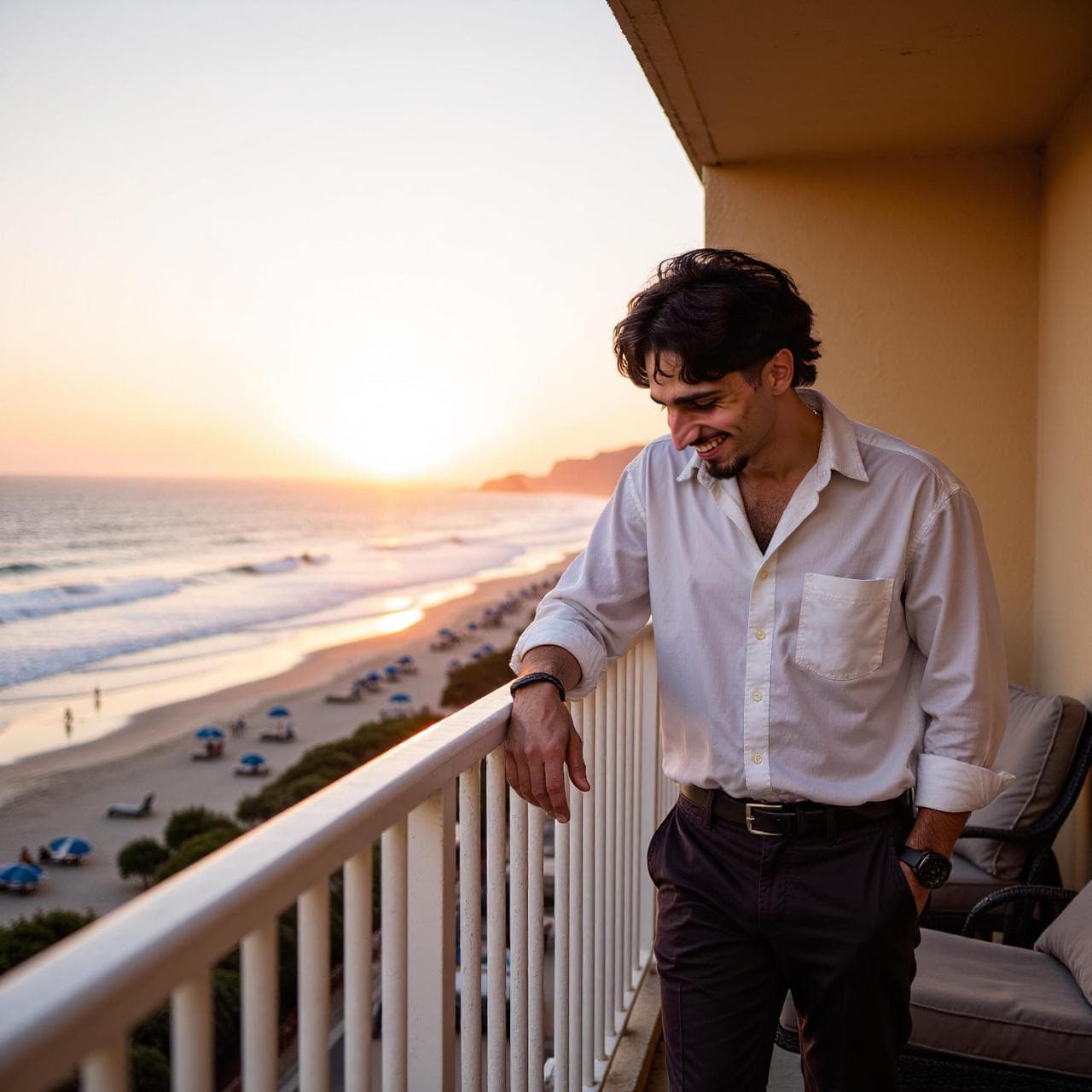
The Selfie Problem for Men
Here is an uncomfortable truth: a 2023 PhotoFeeler study found that men rate their own photos 2.3 points higher (on a 10-point scale) than women rate the same photos. The gap is not about attractiveness. It is about technique. Women grow up learning selfie angles from social media. Most men never do.
Common problems include bathroom mirrors, harsh overhead light, cluttered rooms, and a tense stare into the front camera. These choices make the photo harder to read and reveal little about your life beyond the room where it was taken.
The good news is that selfie technique is learnable. You do not need expensive equipment or professional training. You need to understand five fundamentals: lighting, angles, background, expression, and camera settings. For even more phone-specific techniques, see our guide on how to take great dating photos with just your phone.
1. Lighting: The Single Biggest Factor
Lighting is one of the largest controllable factors in a selfie. Soft, directional light preserves detail and shape; harsh overhead light or direct flash can create deep shadows and flatten features.
Golden Hour Is Your Best Friend
The hour after sunrise and the hour before sunset can produce warm, directional light with softer shadows. Golden hour is useful, but a large window on an overcast day can work just as well. Face the light and avoid placing the brightest source directly behind you.
Face the Light Source
The most common selfie lighting mistake is standing with the light behind you. This creates a silhouette effect where your face is dark and featureless. Instead, face the light source directly or position it at a 45-degree angle to your face. A window works perfectly. The even, diffused light eliminates harsh shadows under your eyes and nose while still creating enough dimension to avoid a flat, passport-photo look.
Avoid Overhead and Fluorescent Lighting
Overhead lights (like the ones in your bathroom or office) cast downward shadows that exaggerate under-eye circles, make your nose look larger, and age you by 5-10 years in photos. Fluorescent lights add a green or blue cast that makes skin look sallow. If you are indoors, turn off the overhead light and use a window or a desk lamp positioned at face height. The difference is dramatic.
2. Angles: Small Adjustments, Big Impact
The angle of your camera relative to your face changes how your features are perceived. Research from the University of Bamberg found that camera angle affects perceived attractiveness, dominance, and trustworthiness.
Slightly Above Eye Level
Hold your phone slightly above eye level, about 10-15 degrees up. This angle naturally defines your jawline, reduces the appearance of a double chin, and makes your eyes appear larger and more open. The University of Bamberg study found that photos taken from slightly above were rated as the most attractive angle for both men and women. Do not go too high though. An extreme downward angle looks unnatural and try-hard.
The Three-Quarter Turn
Turn your face about 30 degrees to one side rather than facing the camera straight on. This is the angle portrait photographers have used for centuries because it adds depth and dimension to faces. It naturally slims the face, emphasizes bone structure, and creates a more dynamic, engaging photo. Straight-on shots tend to look flat and like mugshots.
Distance From Your Face
Front cameras on phones use wide-angle lenses that distort features when held too close. Your nose will look 30% larger, your ears will look smaller, and your face will appear rounder than it actually is. Hold the phone at full arm's length, or better yet, use a timer and prop the phone up 4-5 feet away. The difference in facial proportions is stark and well-documented in optical research.
3. Backgrounds: Context Tells a Story
Your background is not just a backdrop. It tells the viewer something about your life. A 2024 Photofeeler analysis of 10,000 dating photos found that background setting was the third most impactful factor in attractiveness ratings, behind facial expression and lighting.
Best Backgrounds
Outdoor natural settings (parks, beaches, hiking trails) consistently rate highest. Urban settings like coffee shops, rooftop bars, and city streets also perform well. Clean, uncluttered interiors with good natural light work when outdoor is not an option. The key is that the background should look intentional, not accidental. A selfie at a nice restaurant beats a selfie in your car every time. For a full rundown of what works and what does not, see our dating photo dos and don'ts checklist.
Backgrounds to Avoid
Messy bedrooms, bathrooms (mirror selfies are the number one turn-off in dating profiles according to multiple surveys), cluttered offices, and cars. Also avoid backgrounds with other people, especially other women, even if they are family. It creates unnecessary confusion and distraction. If your living space is messy, just go outside.
4. Expression: The Difference Between Approachable and Intimidating
Your expression changes how the entire selfie feels. Use an expression you can reproduce naturally in person, and take enough frames that you are choosing a relaxed moment rather than forcing one perfect pose.
The Slight Smile Wins
Not a forced ear-to-ear grin. Not a stone-faced stare. A relaxed, slight smile with a hint of teeth showing rates highest for men across multiple studies. It signals warmth, confidence, and approachability. Think about something genuinely funny or pleasant right before you take the shot. Fake smiles are detectable. People can unconsciously tell the difference between a real smile (which engages the muscles around the eyes) and a posed one.
Eyes Matter More Than You Think
Squinting, looking away from the camera, or having half-closed eyes all reduce attractiveness ratings significantly. Look directly at the lens (not at your face on the screen) with relaxed, open eyes. This creates the illusion of eye contact with the viewer and builds a sense of connection. Practice in a mirror first if you tend to squint or look tense in photos.
Jaw and Posture
Push your chin slightly forward and down. This tightens the skin under your jaw and creates definition even if you do not have a chiseled jawline. Keep your shoulders back and relaxed. Slouching makes you look smaller and less confident. These micro-adjustments take two seconds but dramatically improve how you look on camera.
5. Phone Camera Settings That Make a Difference
Your phone camera has settings that most people never touch. Adjusting a few of them can noticeably improve your selfie quality without any external gear.
Use the Rear Camera When Possible
The rear camera on most phones has a significantly better sensor, more megapixels, and less lens distortion than the front camera. Use a timer (3 or 10 seconds) and prop your phone against something stable. The image quality difference is immediately noticeable. On iPhone, the rear camera shoots at 48MP versus 12MP for the front camera.
Turn Off Front Camera Mirroring
By default, most phones mirror your front camera image. This means the photo you see is not what others see, and it can make your face look subtly asymmetric. On iPhone, go to Settings, then Camera, and toggle on "Mirror Front Camera." On Android, the setting is in your camera app under selfie settings. This produces a more accurate representation of how others actually see you.
Use Portrait Mode Selectively
Portrait mode blurs the background and can create a more professional look. However, it can also over-smooth your skin (which looks fake) and sometimes glitch around hair or beards. Use it for clean headshots with a simple background, but avoid it for full-body or action shots. Check the edges of your hair and ears in the result. If they look weird, switch to regular mode.
Clean Your Lens
This sounds trivial, but a dirty lens is the most common reason selfies look hazy or soft. Your phone lives in your pocket and your fingers touch the lens constantly. Wipe it with a microfiber cloth (or your shirt in a pinch) before shooting. The sharpness improvement is instant and dramatic. This one tip alone can transform a mediocre selfie into a sharp, professional-looking photo.
Bonus: Take More Than You Think You Need
Professional photographers take hundreds of shots to get a handful of keepers. You should do the same. Take 20-30 selfies in one session, varying your expression, angle, and distance slightly each time. Then pick the best 2-3. Studies show that people who take multiple shots and select the best one are rated 1.5 points higher on average than those who use their first attempt. If you want to skip the trial-and-error entirely, AI tools like Charmd can generate professional results from your existing selfies — see how it compares in our AI headshots vs professional photography breakdown.
Use burst mode (hold down the shutter button) to capture micro-expressions. Often the best shot is between posed moments, when your face is naturally transitioning between expressions. These candid-within-a-selfie shots look more genuine and engaging than any carefully held pose.
Skip the Selfie Struggle. Let AI Do the Heavy Lifting.
Even with perfect technique, selfies have limits. Charmd takes your regular selfies and transforms them into professional-quality dating photos with ideal lighting, angles, and settings, all powered by AI trained on your unique features.

Perfect lighting, every time

Varied, interesting settings
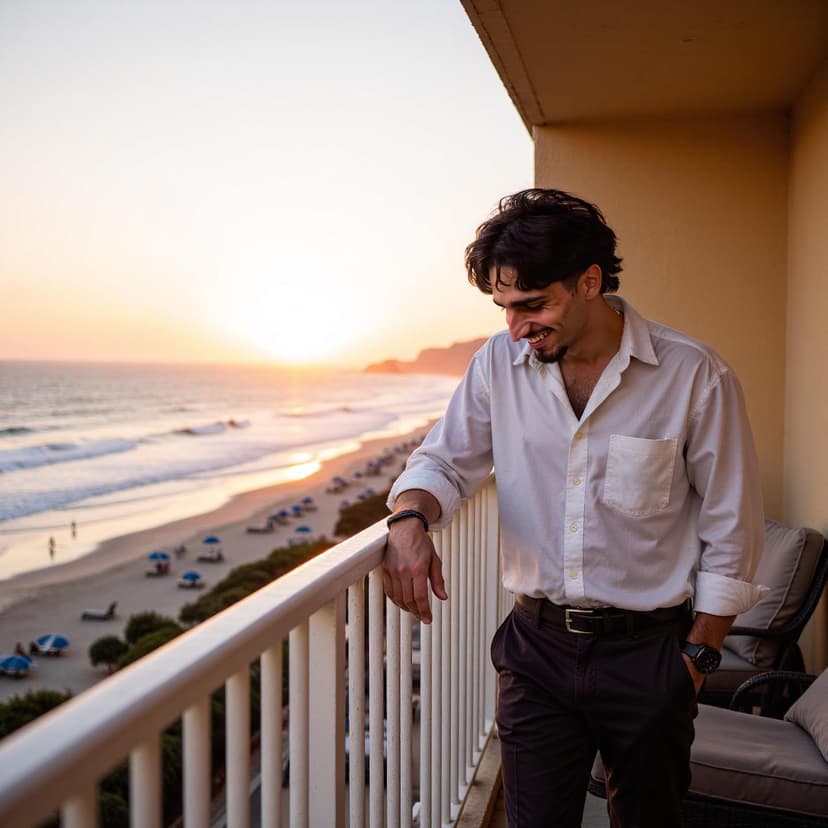
Natural, genuine expressions
Frequently Asked Questions
What is the fastest way to improve how to take good selfies for dating apps?
Start with the first photo people see. Use a clear, well-lit image where your face is visible, then support it with lifestyle photos that show range, confidence, and context.
Can Charmd help with how to take good selfies for dating apps?
Yes. Charmd helps create realistic dating profile photos from your own selfies, so you can test better first photos, lifestyle shots, and profile-ready variations without booking a photoshoot.
How often should I update my dating profile photos?
Refresh your dating profile photos every few weeks when you are actively testing, or whenever your match rate drops. Keep the photos current, realistic, and consistent with how you look now.
What should I read next after this guide?
Read the Charmd guides on best dating app photos, getting more matches, and dating profile photo order to connect this advice into a full profile strategy.